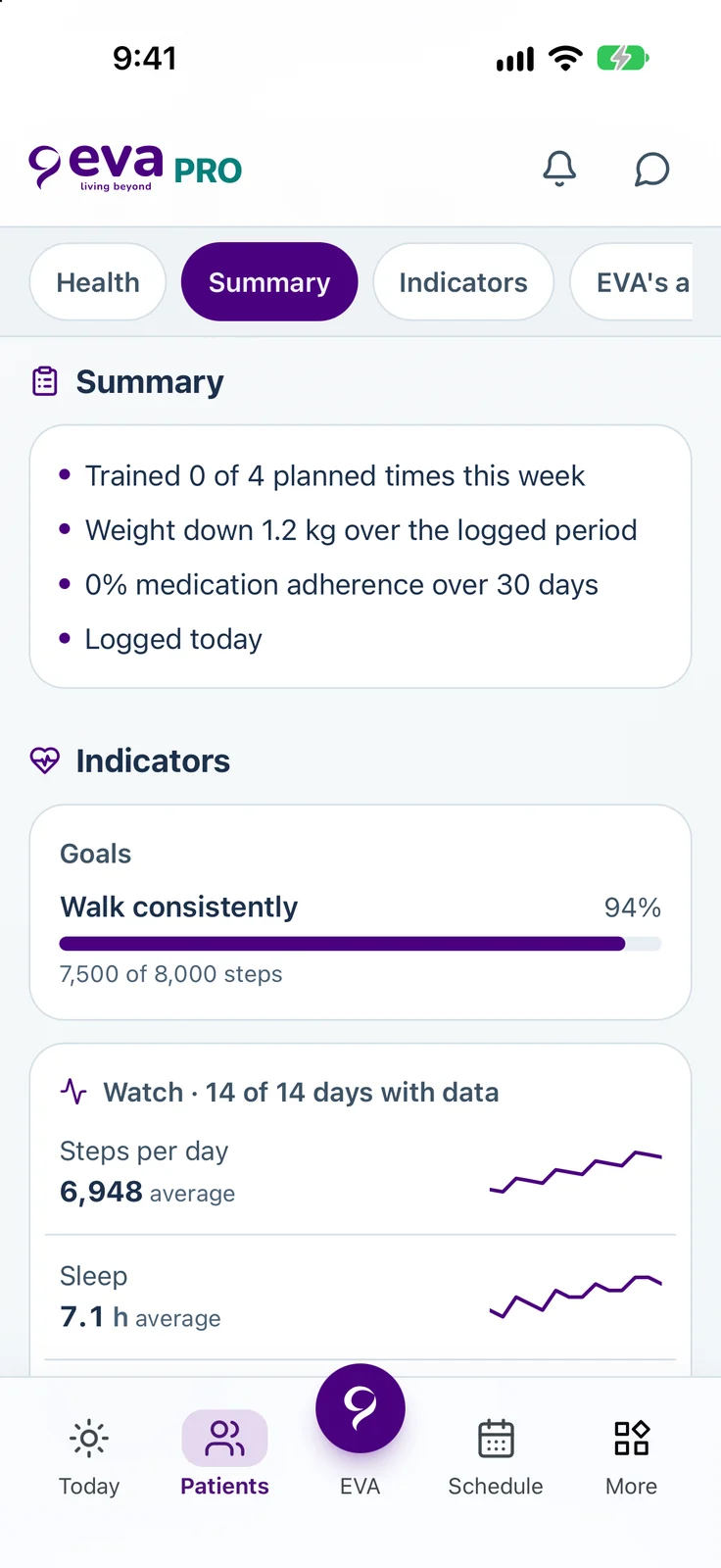
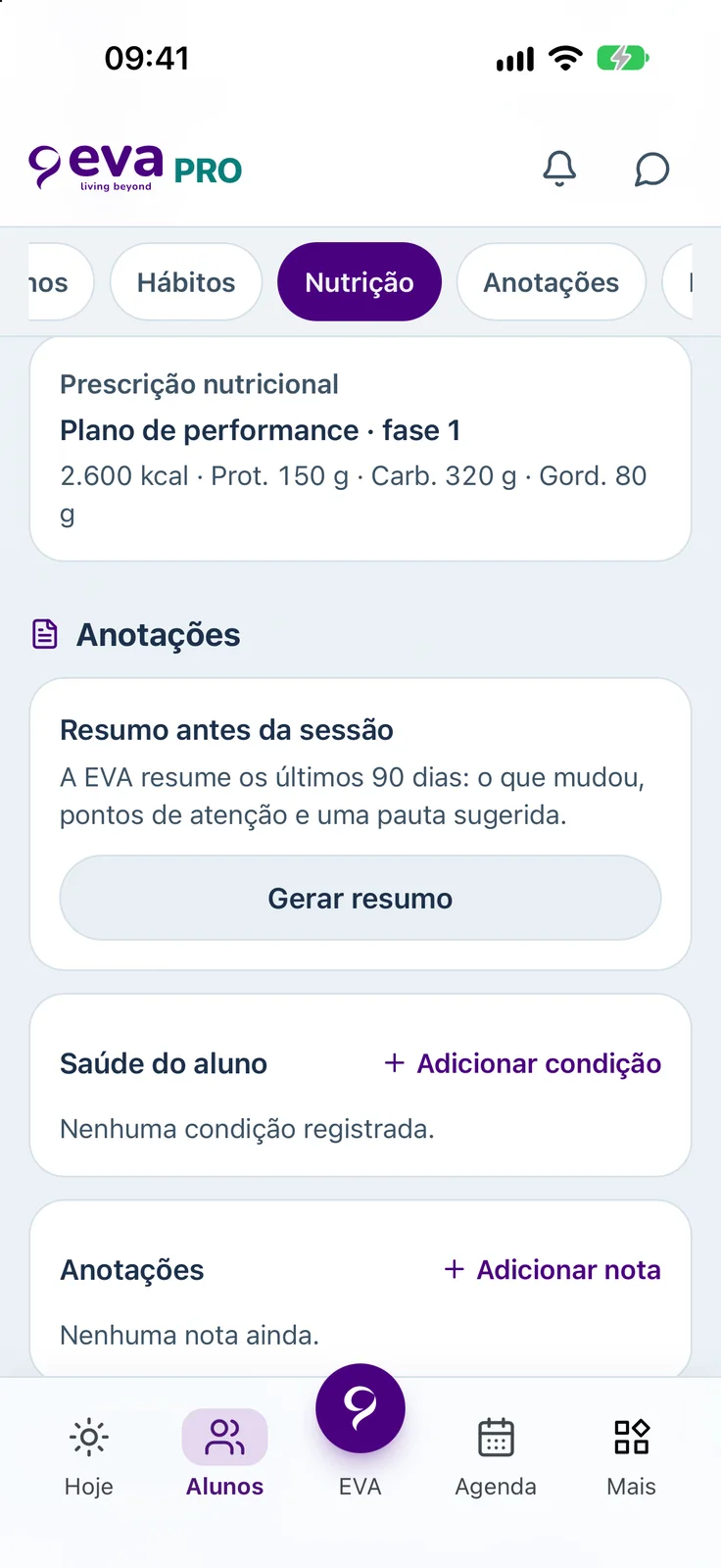
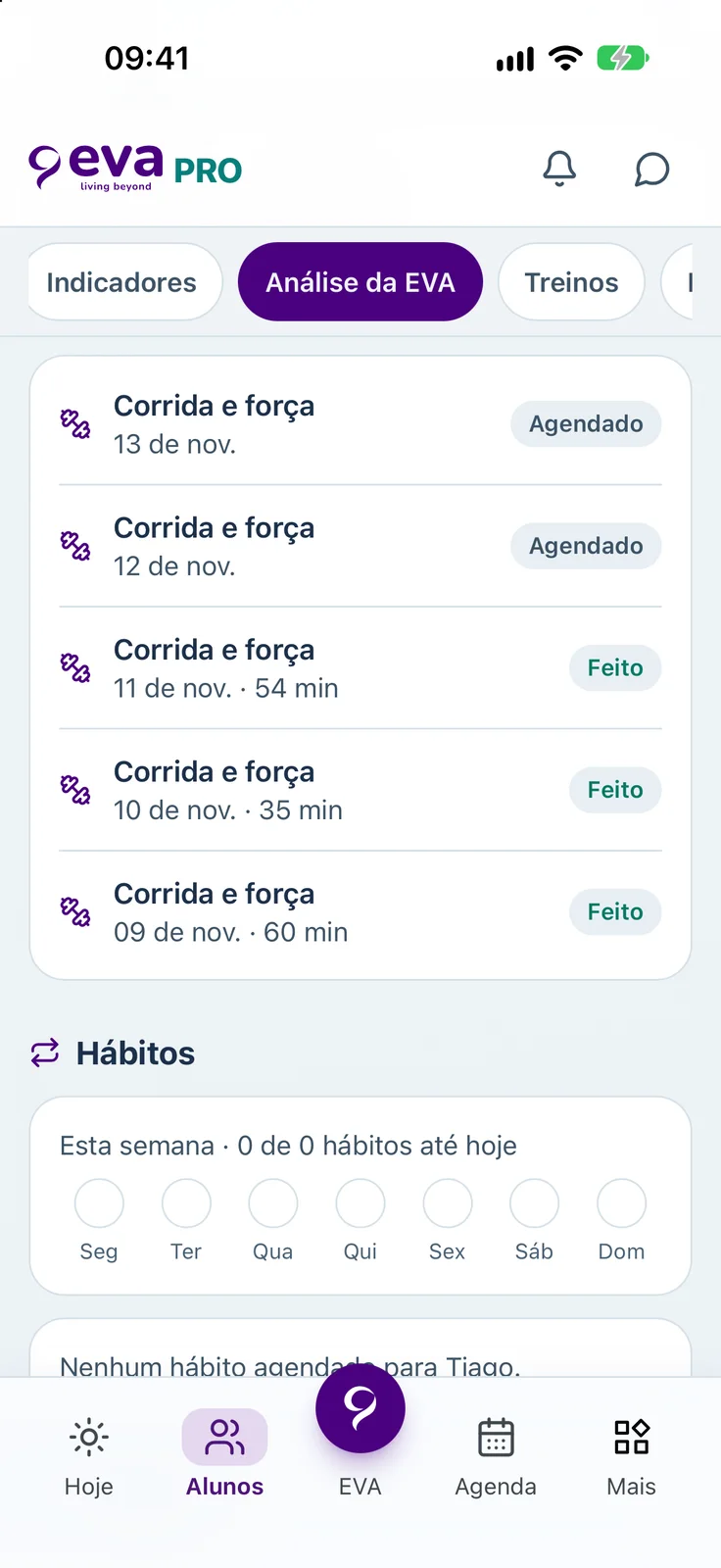
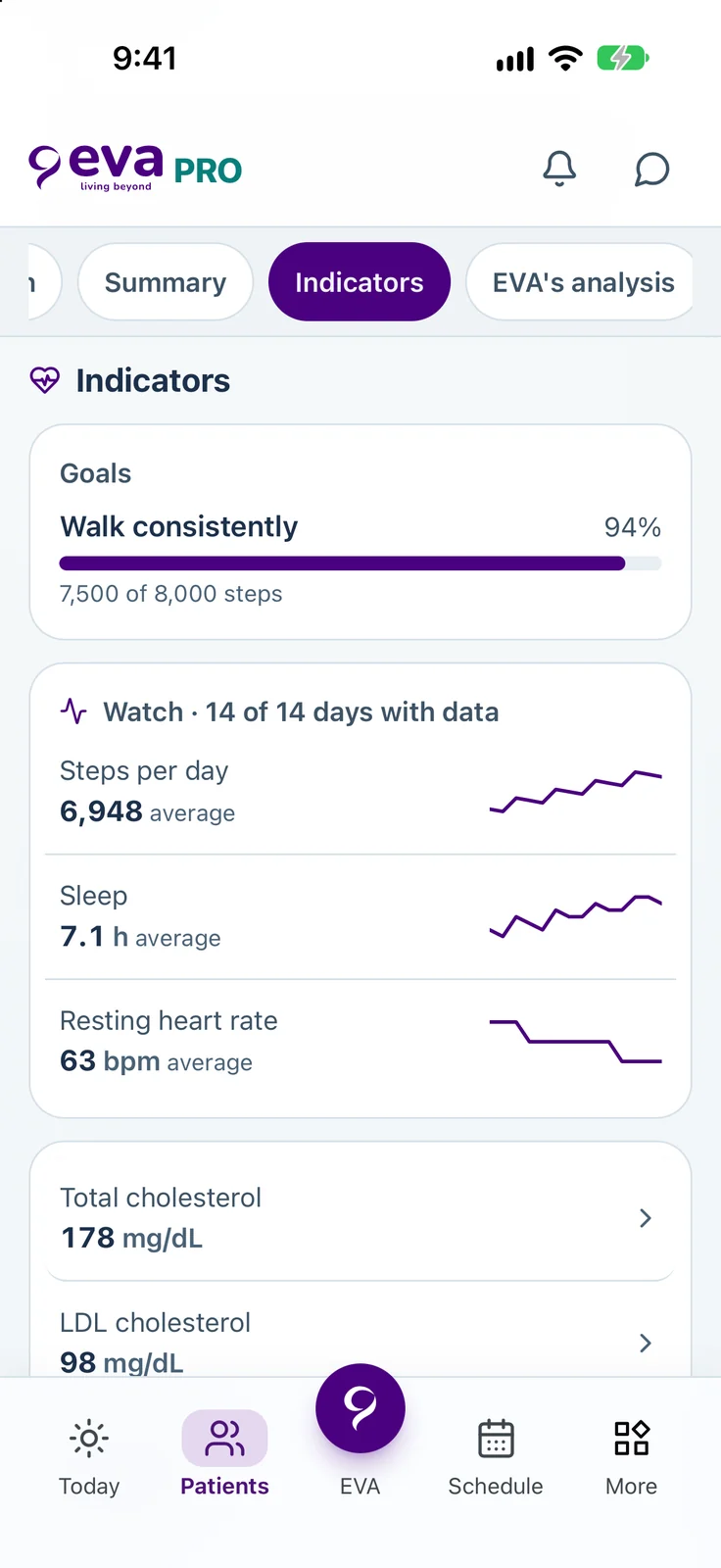
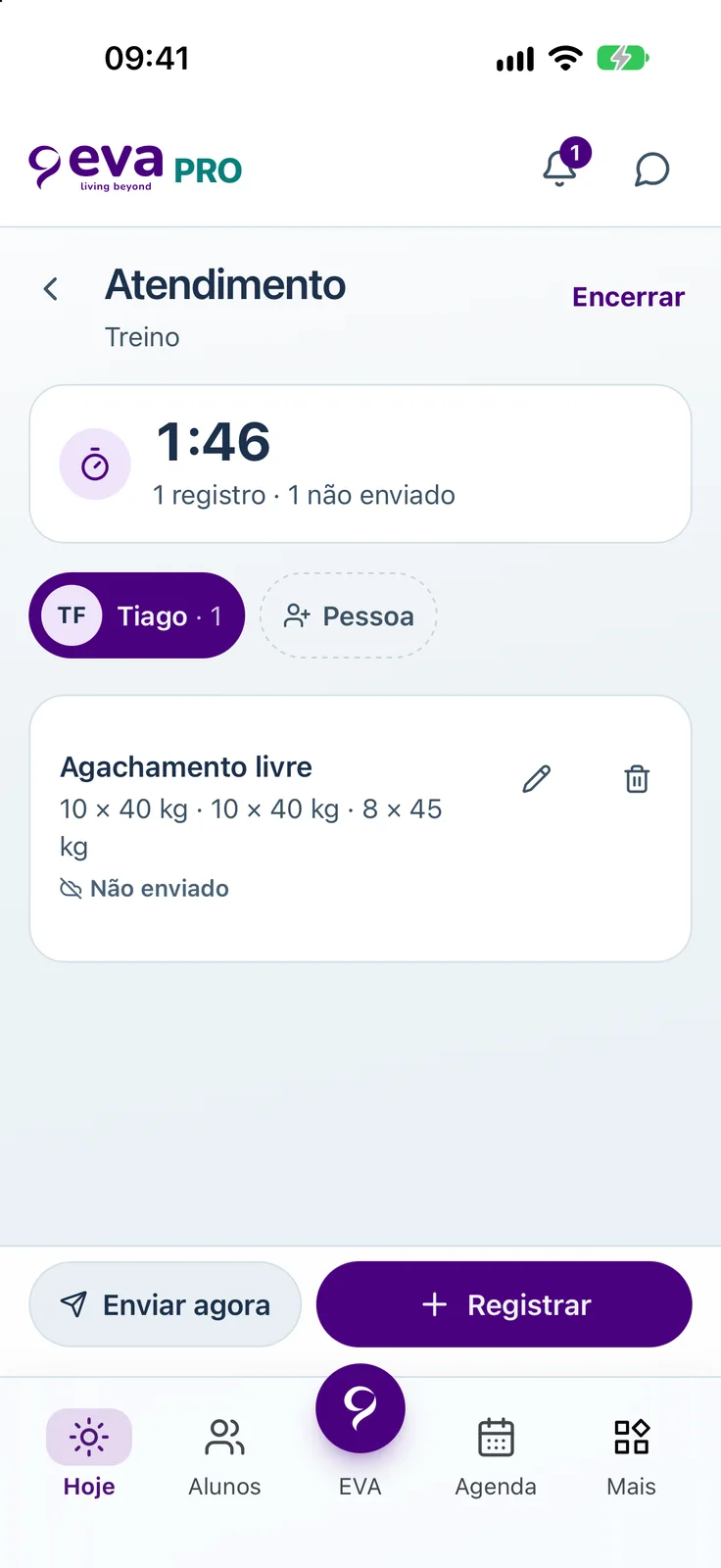
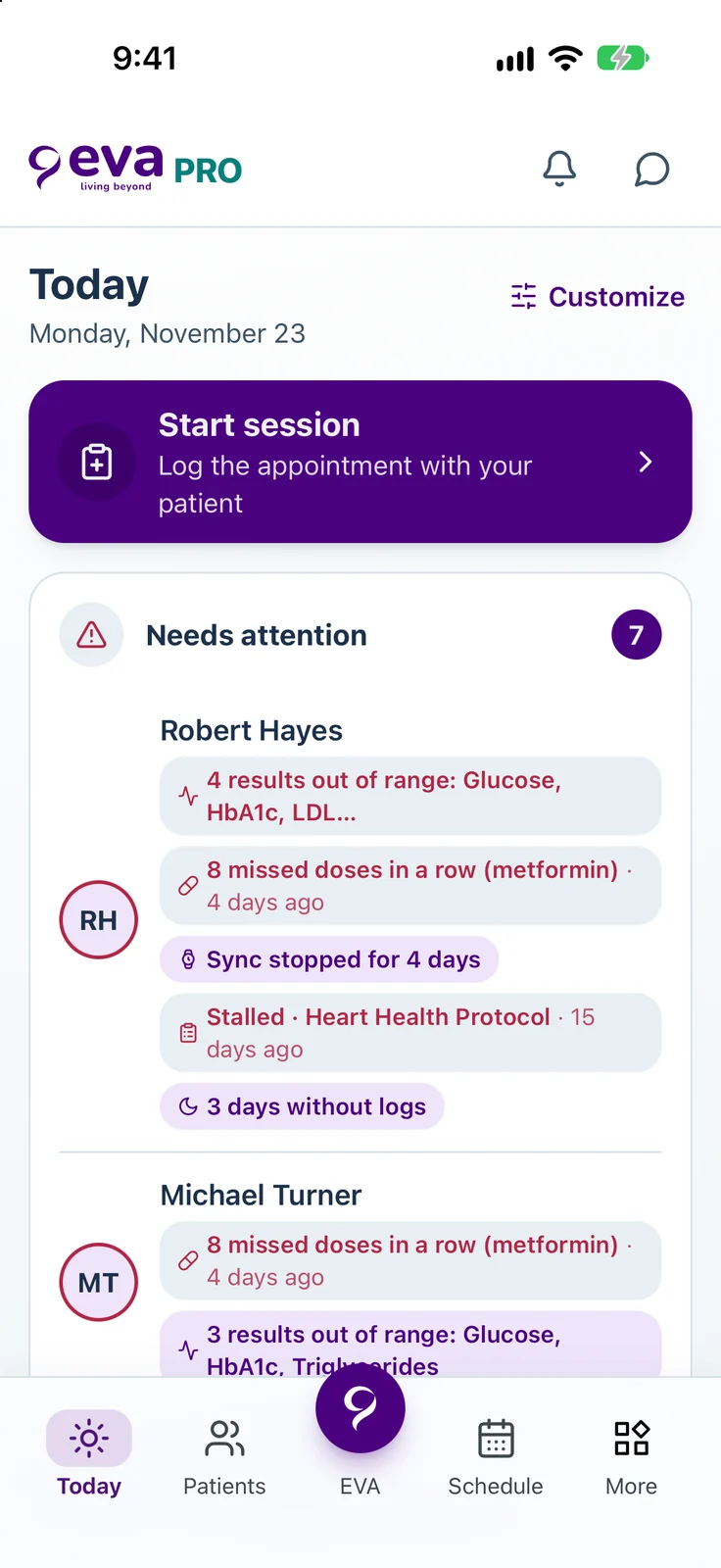
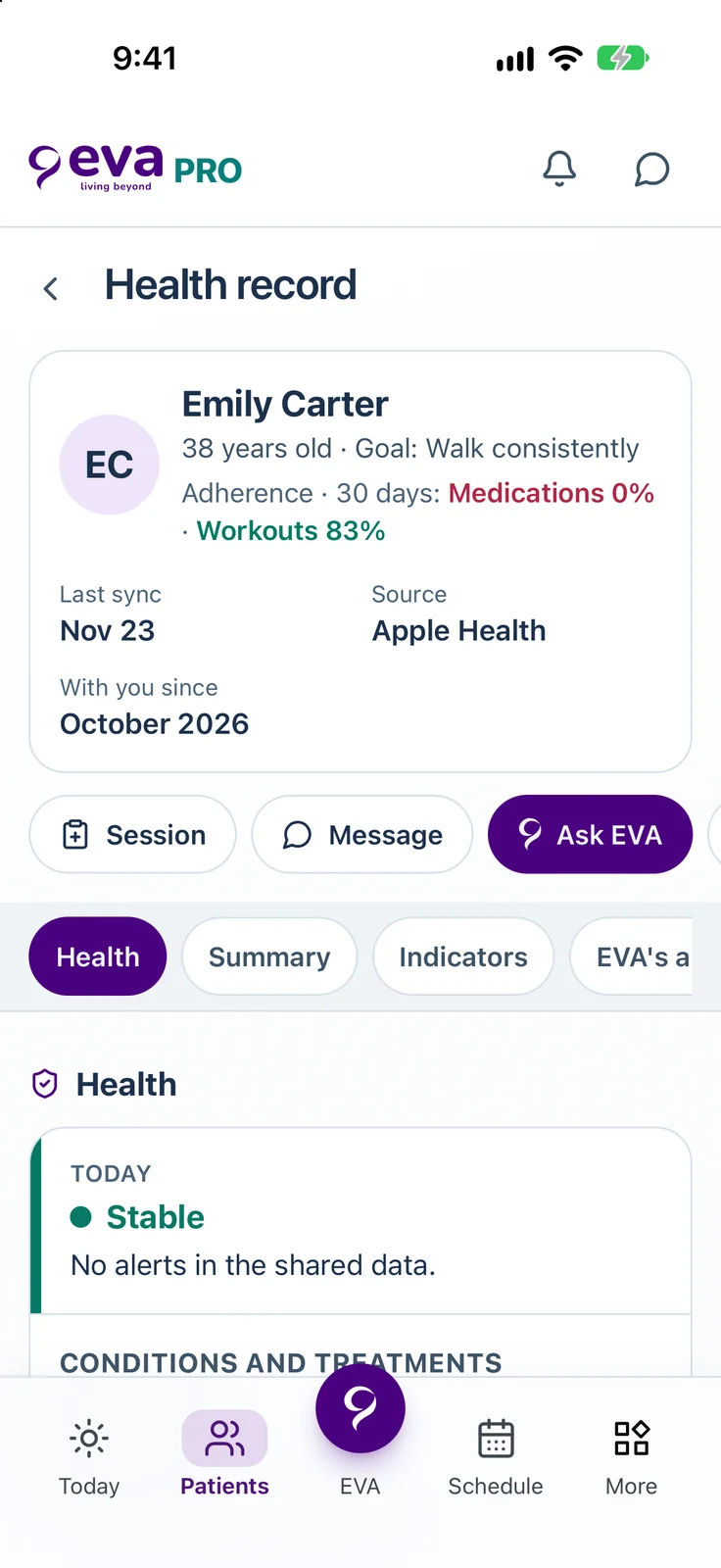
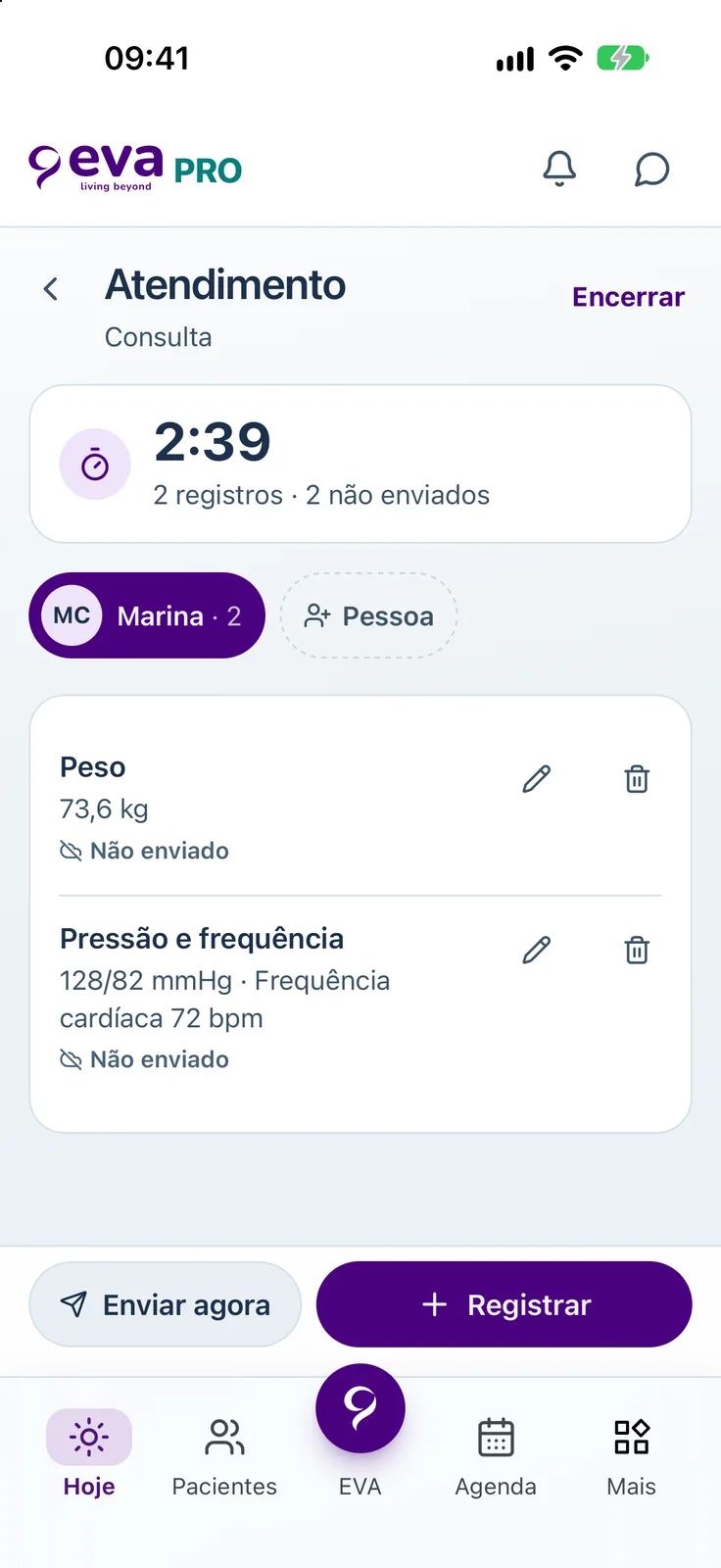
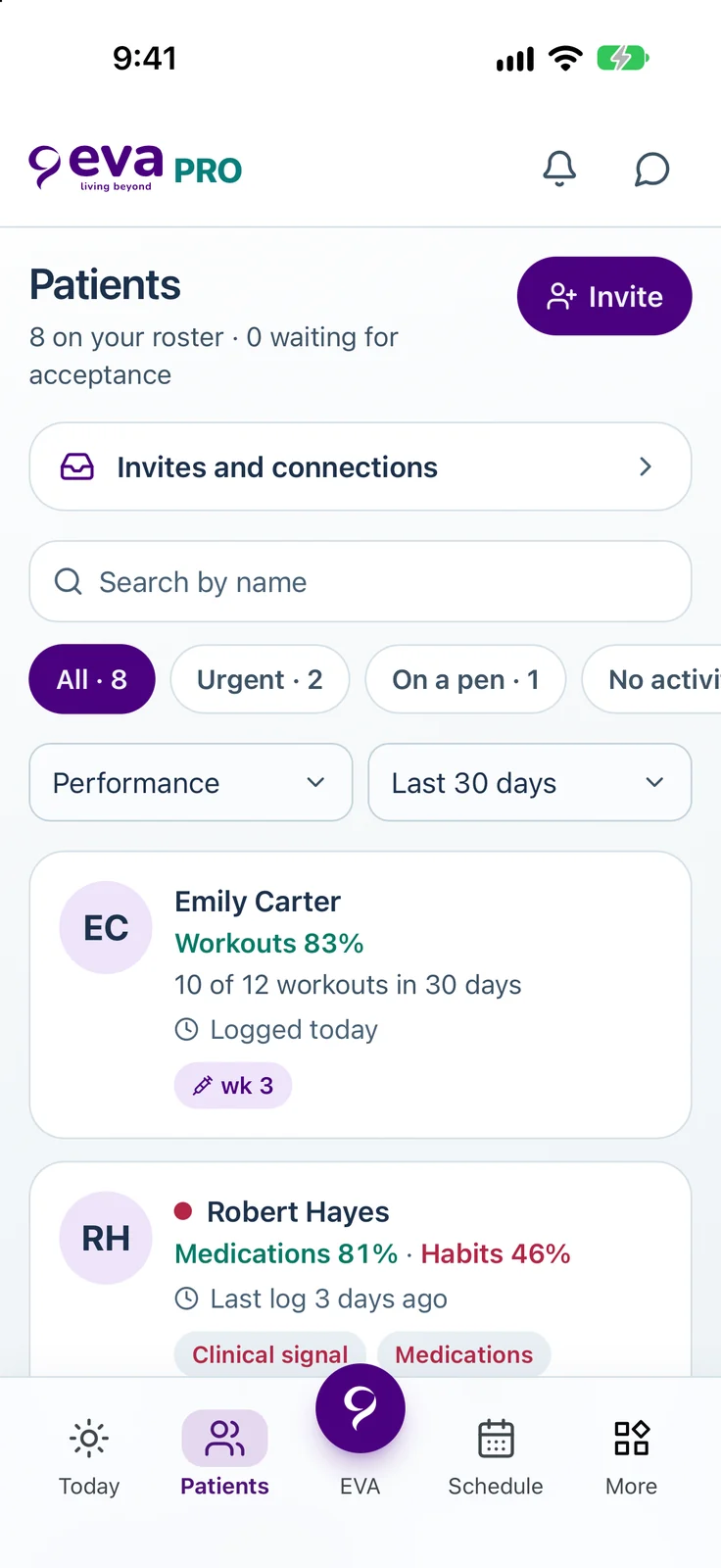
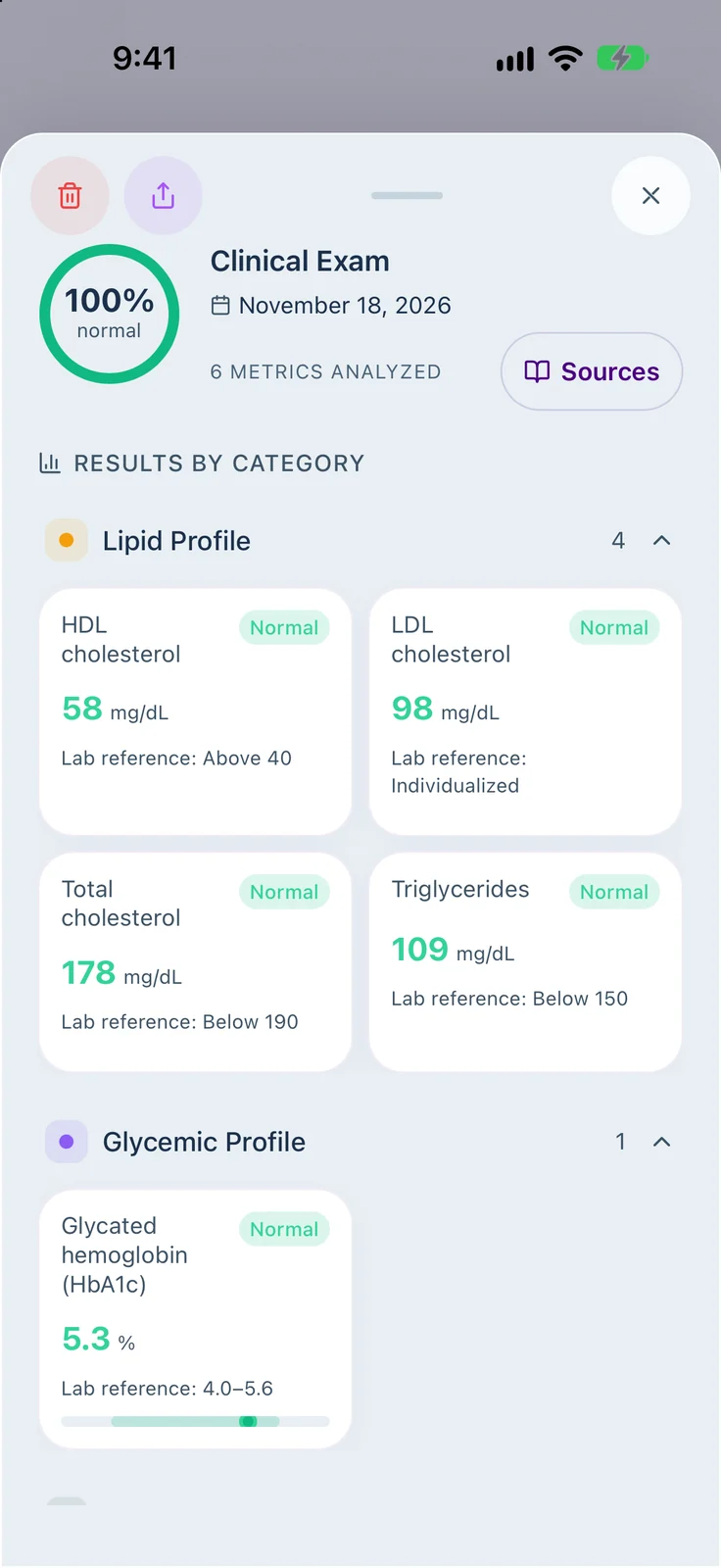
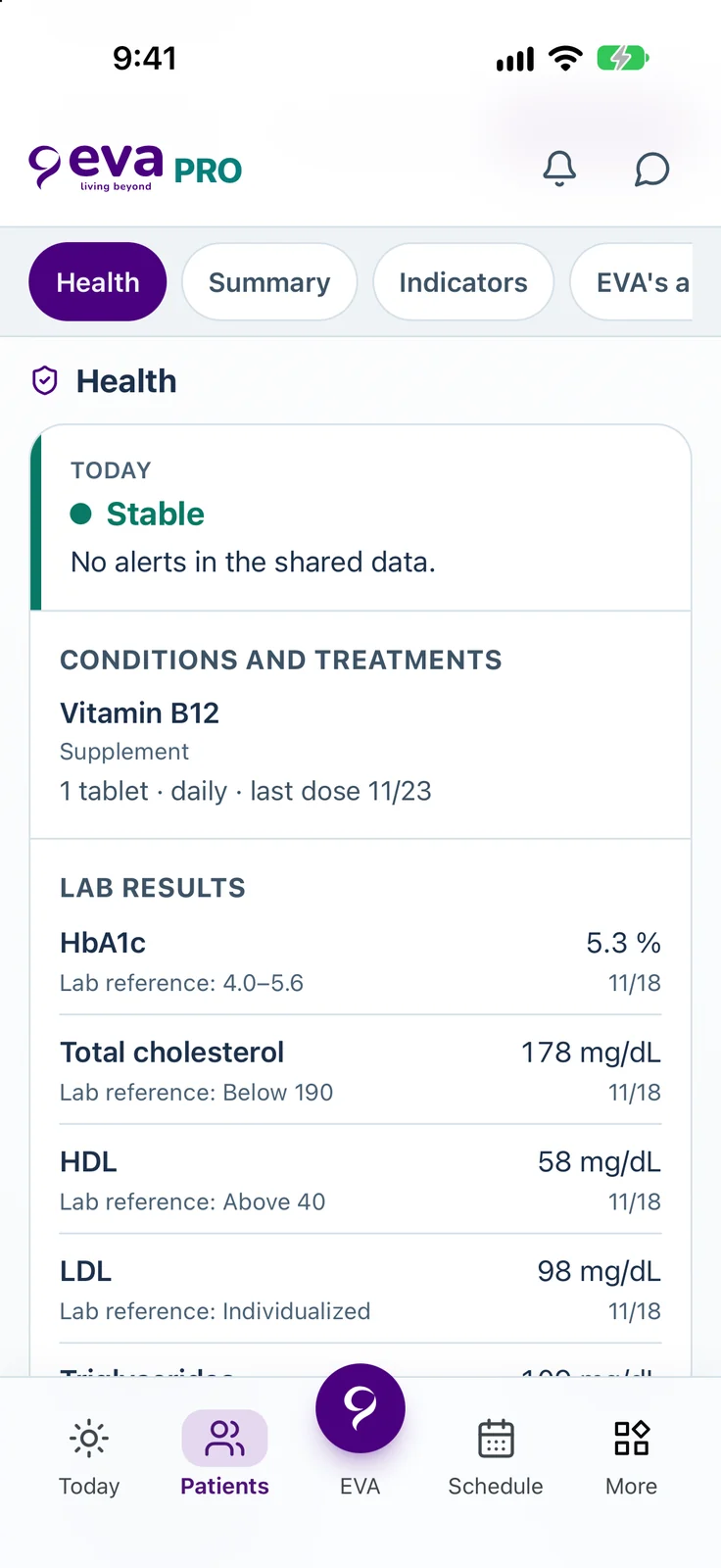
Open EVA PRO and you see who logged today, who has gone quiet, who shows a clinical red flag and what just came in, and you act right there.
1queue
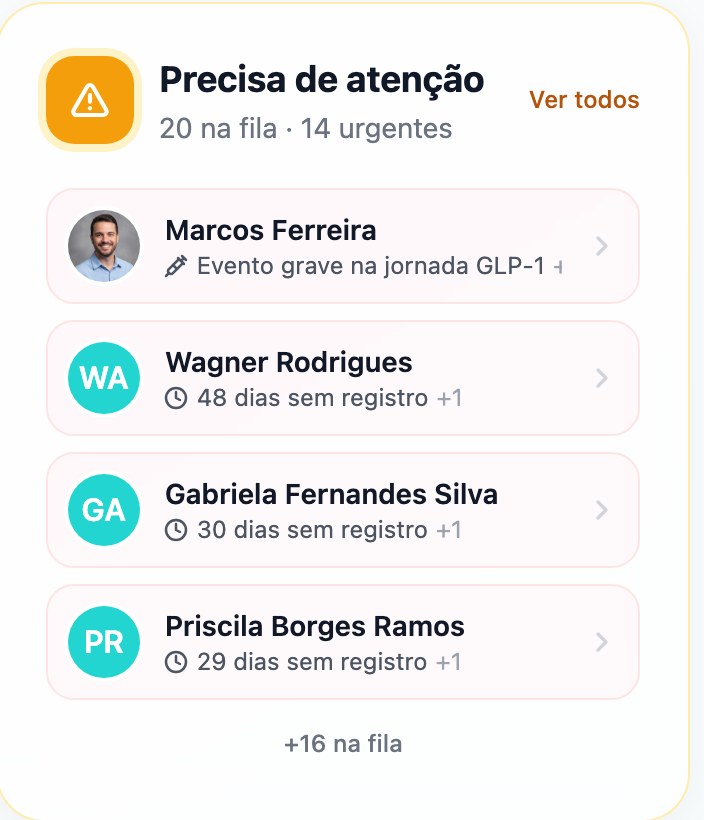
One queue, with a name and a reason.
Whoever should hear from you next shows up with the reason: days without logging, an abnormal metric, no meals today, risk of dropping out of the GLP-1 journey.
1Health Score
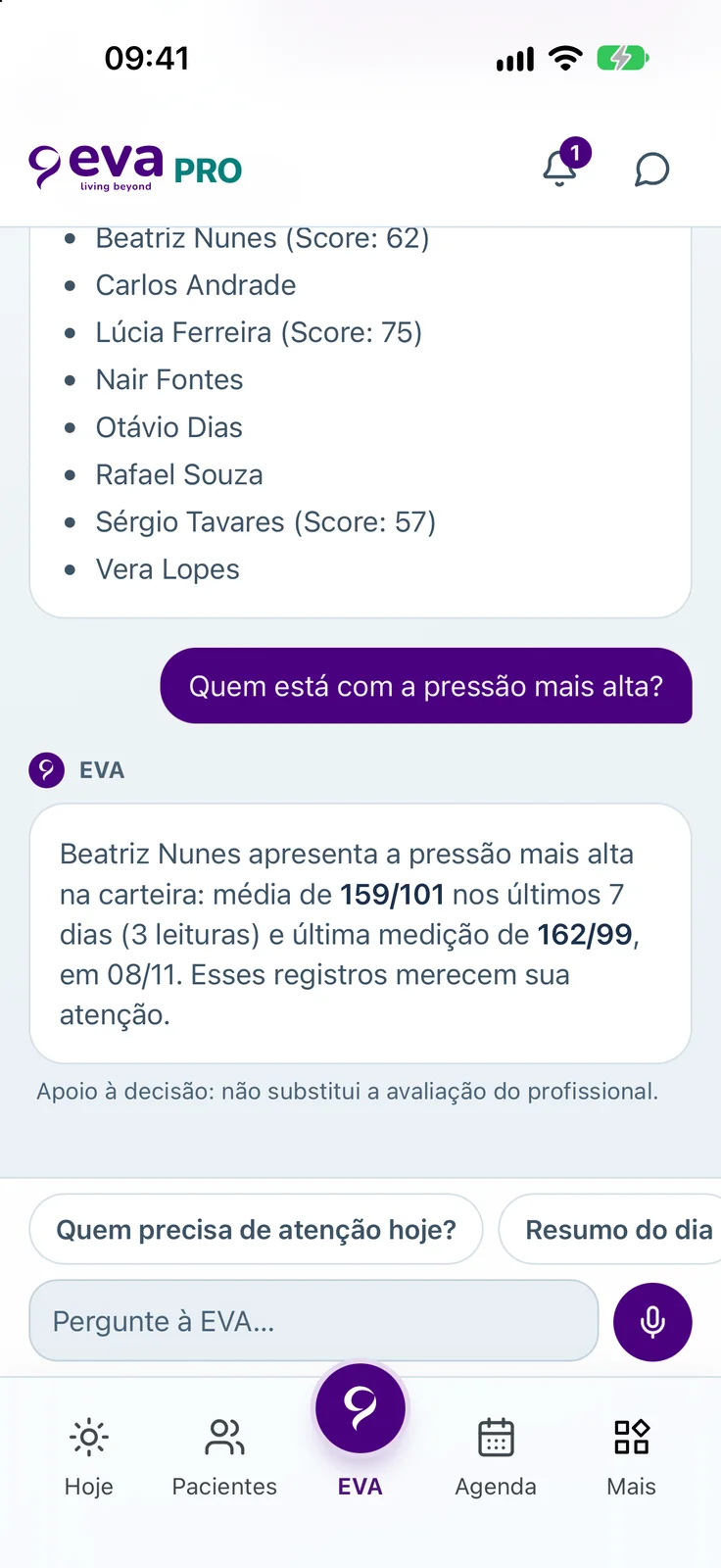
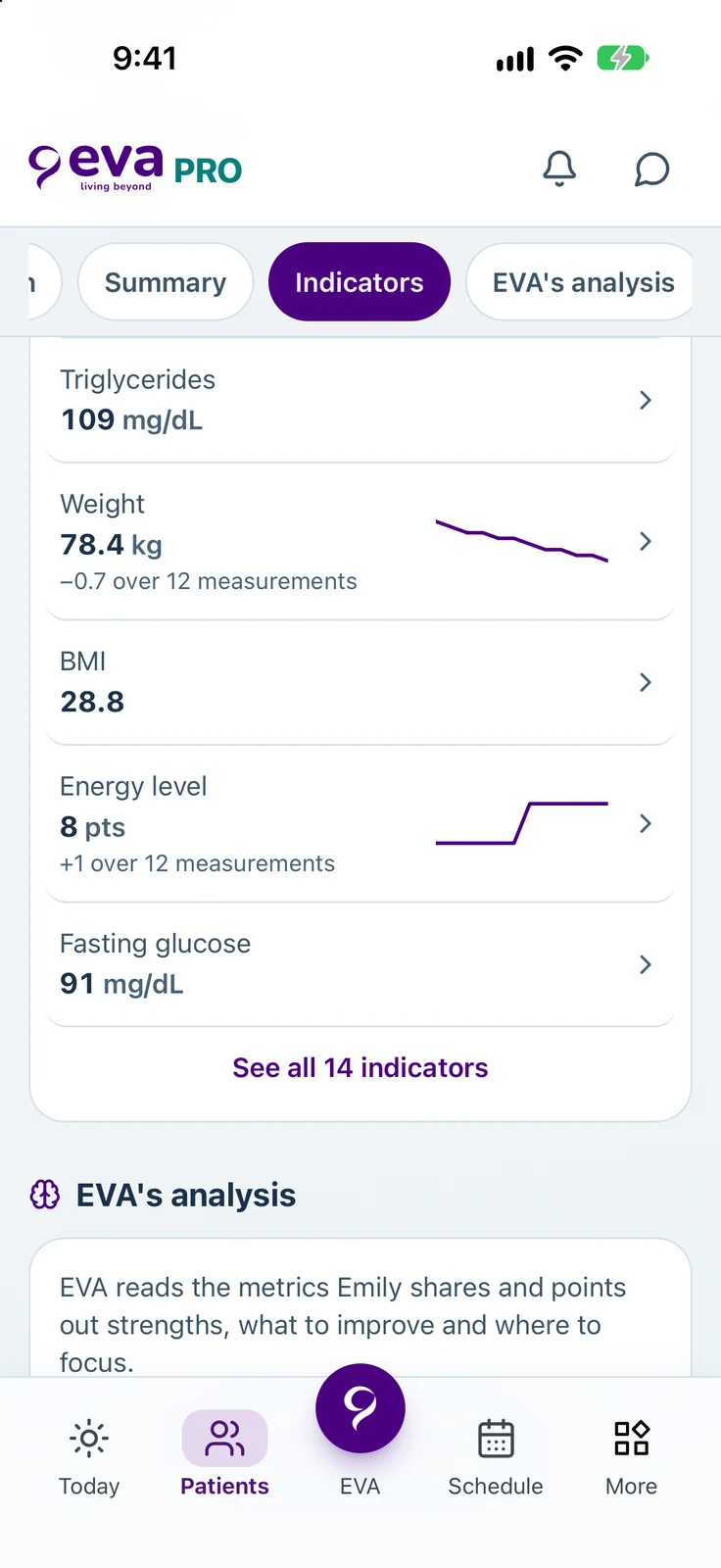
Overall health in one number.
Per patient, with its trend, so you know who is improving and who needs an adjustment before the visit.
For every specialty
Each professional sees what matters for their care.
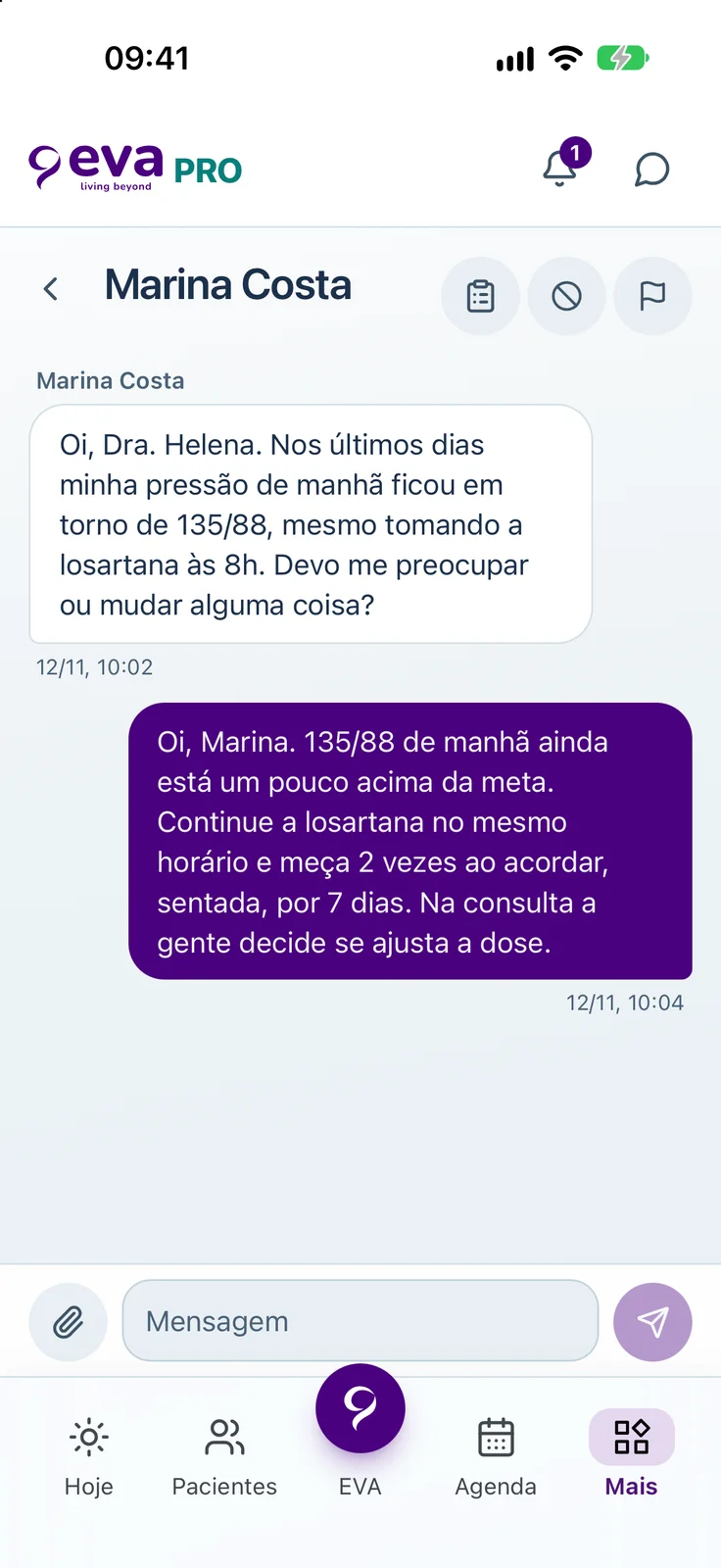
What patients log in the EVA app shows up organized in EVA Pro, on your phone and your computer, between visits.
It's not a file. It's the app following your method.
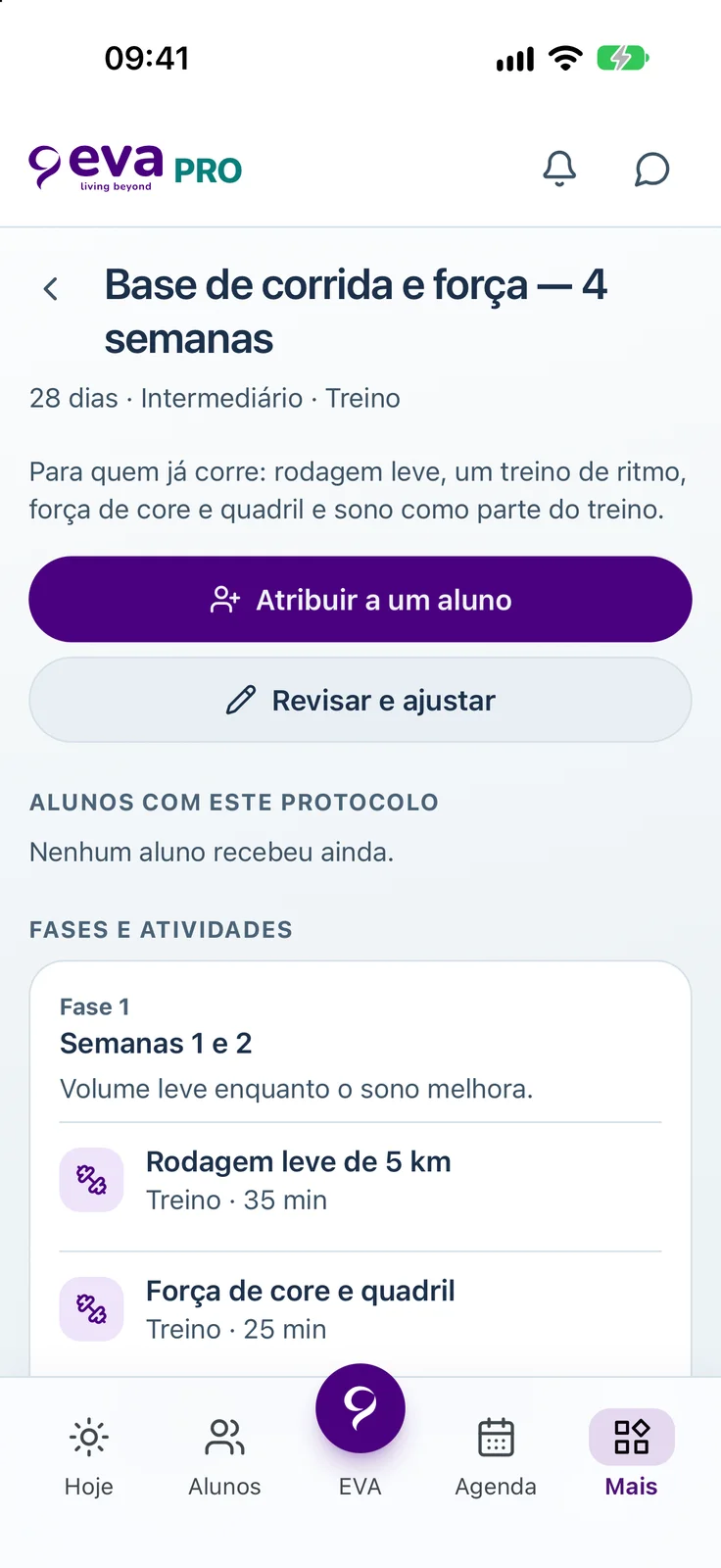
When you create a protocol, you're not producing a document. You're recalibrating the app: turning on the digital specialists that matter for that goal, setting when it reaches out and shaping how it behaves for that patient, every day.
1
Tell us how you practice
Describe your methodology in plain language. EVA structures the protocol.
2
Upload your material
Upload your course, e-book, handbook or PDF. EVA reads it, learns it and puts it to work as a living protocol.
3
Combine the two
Your material plus a conversation to fine-tune it. In minutes, a protocol you can roll out to any patient.
You assign the protocol to the people in your care and they start it in the EVA app. The protocol marketplace, where you can offer your method to new EVA users, is being built with our first professionals.
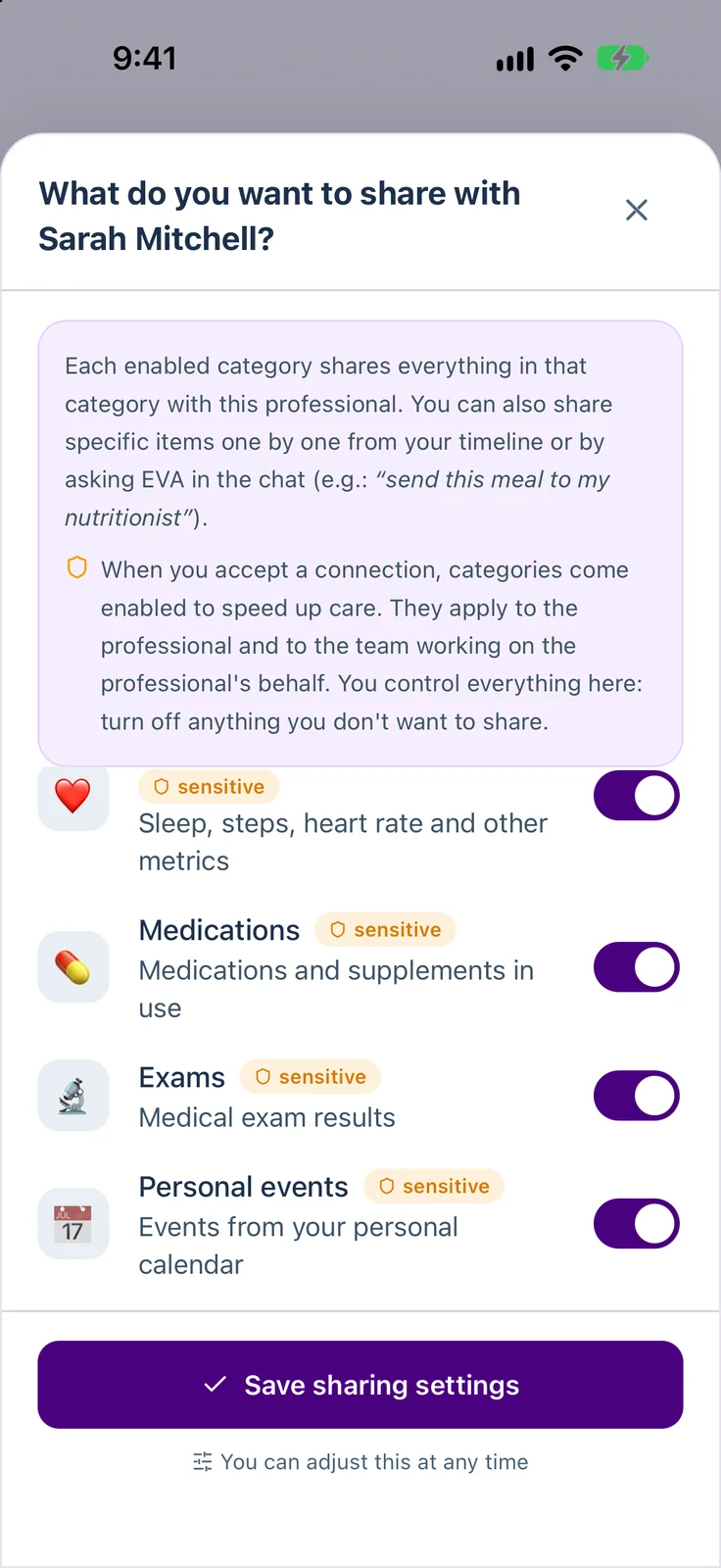
She decides what her professionals see: workouts, habits, metrics, check-ins and lab results.
Care team
Several specialists, one patient, on the same page.
Doctor, dietitian, trainer and psychologist see what the patient authorizes and share notes with each other, with consent. Within an organization, the manager assigns patients across the team.
Medicine
Nutrition
Personal training
Psychology
One patient at the center. Each professional sees what she has authorized and shares notes with the others.
How it works
Three steps from invite to follow-up.
1
Create your professional account
Free for professionals. Sign-up asks for your professional license details.
2
Invite the people you care for
Share your own link or code. The patient accepts in the app and chooses what you see.
3
See the Life Timeline and act with EVA
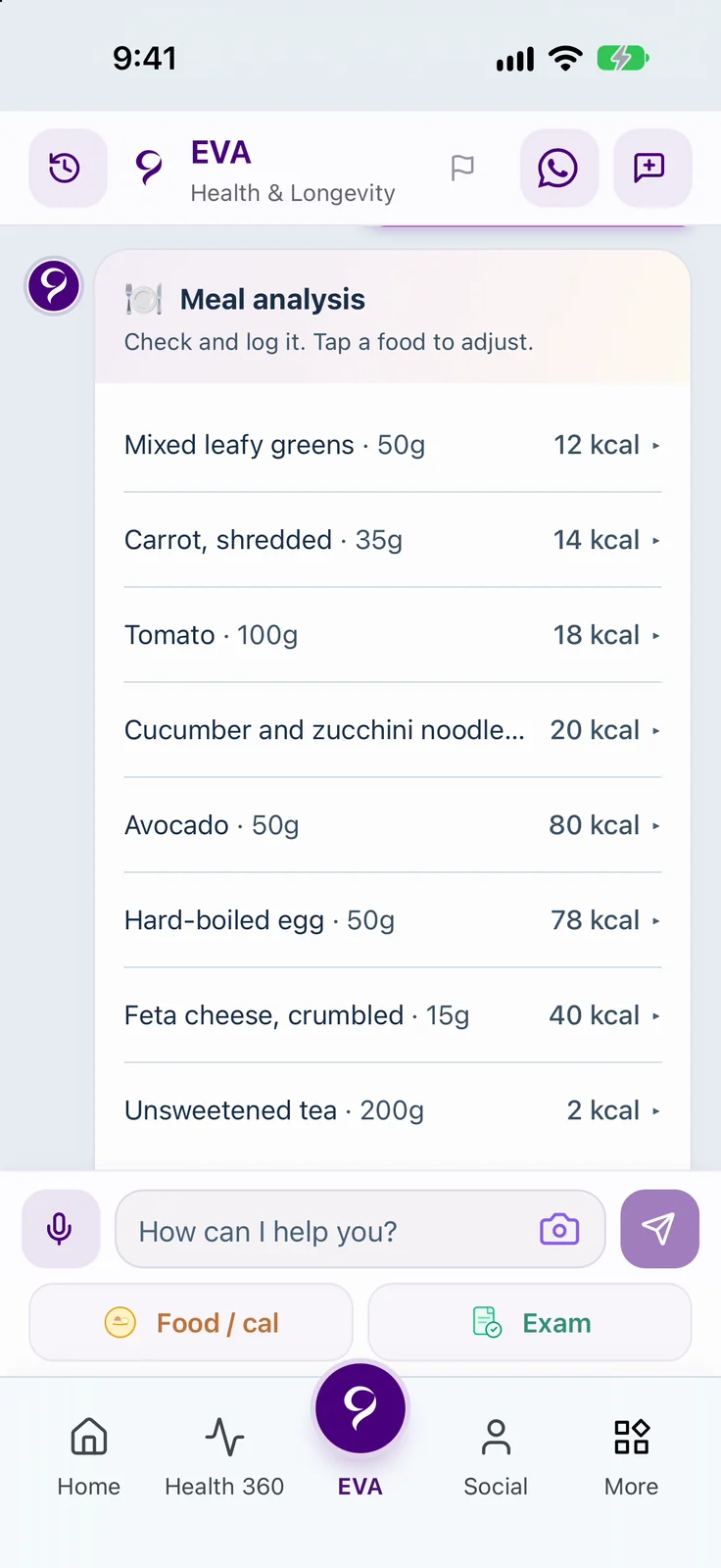
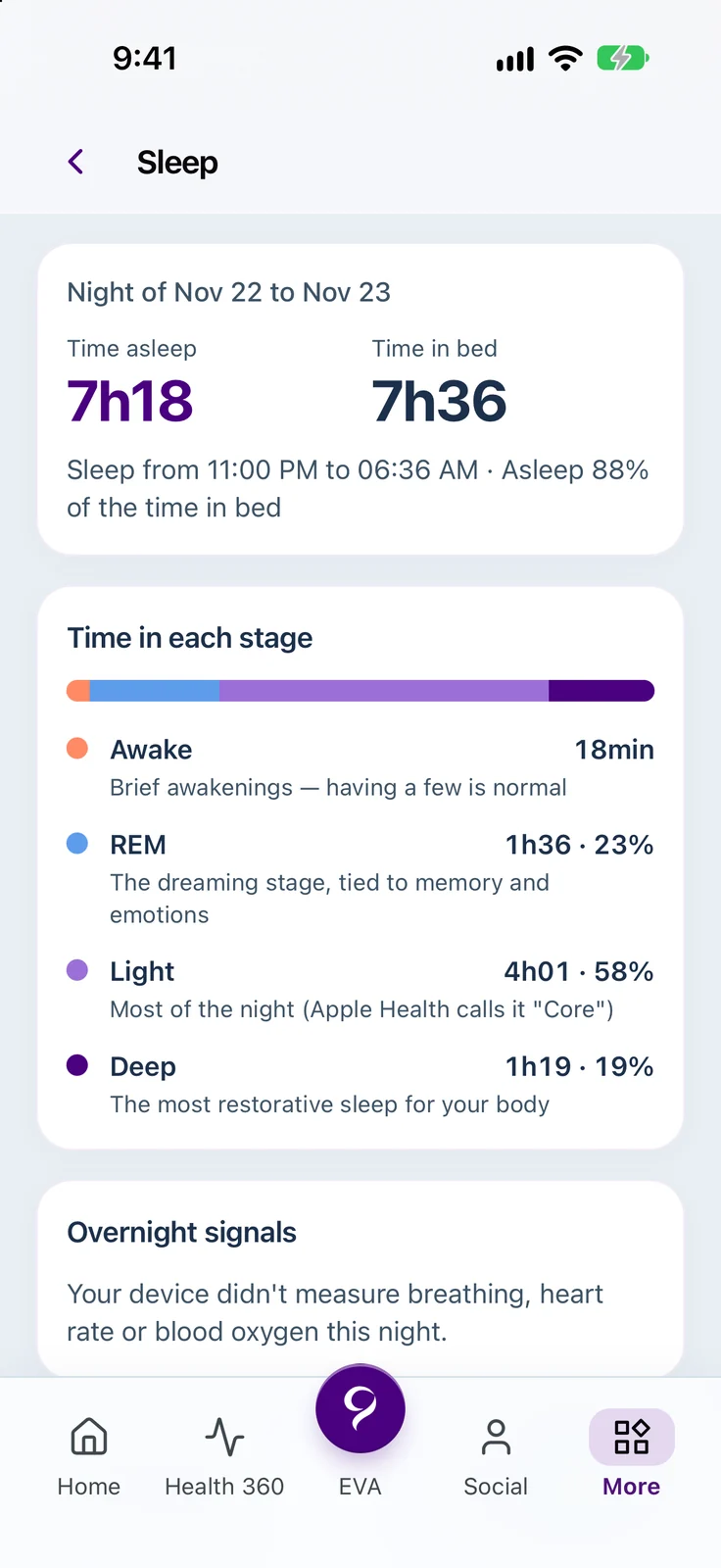
Sleep, meals, workouts, medication and lab results for every patient, with the attention queue ready for your next contact.
Create a professional accountEVA Pro runs on iPhone and in your browser. Patients use the EVA app. Free for professionals.
Questions from clinicians
Frequently asked questions
Is EVA Pro paid?
The professional account is free. Early members get priority onboarding and a direct hand in shaping the product.
Is my patients' data mine?
The patient relationship is yours. Data is handled under applicable data protection law, with the patient's consent, and stays available to you for as long as you follow that patient.
Do I have to change how I practice?
No. EVA supports the patient between your visits and organizes the context. You keep your methodology and apply it with more data, then scale it through protocols.
How does recurring revenue work?
The idea is that you turn your methodology into digital protocols that patients subscribe to through the marketplace. The marketplace is being built with our first professionals, and payouts and plans are being defined together with them.
How do I start?
Create your professional EVA Pro account to use the dashboard in your browser. The account is free for professionals. Sign-up asks for your professional license details. Your patients sign up and sign in through the EVA app.
Care for patients with the full picture.
Create your professional account and follow, on your phone or in your browser, every patient who shares their records through the EVA app.
Mounjaro®, Ozempic® and Wegovy® are registered trademarks of their respective manufacturers (Eli Lilly; Novo Nordisk). EVA is not affiliated with these manufacturers; the trademarks are cited for identification purposes only. EVA provides behavioral habit support and does not replace medical care.
EVA is a habit-tracking and health-history service. It does not diagnose, treat, prescribe or replace medical care. Data handled under Brazil's LGPD.